
Data Browser
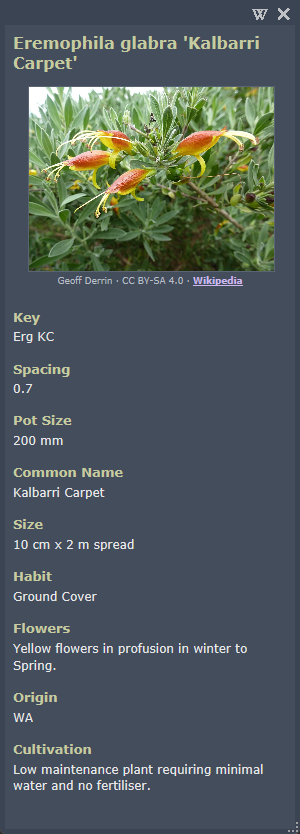
A resizable data browser displays information about the selected entry and can be printed or left open in the drawing workspace for reference. Click on an existing image (or the display space if an image is not available) in the palette or main dialog to open the window.
Using the browser allows you to update a palette item with information from web sources by copying and pasting into PlantManager.
Clicking an entry in the palette or dialog will update the data in the window.
You can display more than one image for each item by naming with a unique prefix or suffix. You can define a number of different locations to store images on a network or local drive and these will be searched for matches to the currently selected entry.