
License Activation
After payment, an activation key will be emailed to license the software. Depending on the number of licenses purchased, the same key can be used on one or multiple workstations.
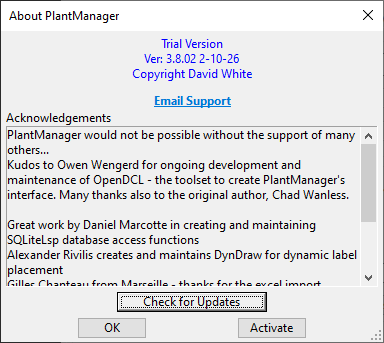

To activate a workstation, access the ‘About’ dialog either from the ‘Trial Version’ button on the Options tab of the main dialog – or from the ribbon menu.
Click the Activate button and enter the provided activation key at the command line prompt: Enter your PlantManager licence key…
You can also activate by typing pmreg or pm_activate at the command line.
After pasting the license key, click OK and restart AutoCAD / BricsCAD
A license can transferred to a different computer by first releasing an existing activation using the pmrelease command on the source, and then pmactivate on the target.